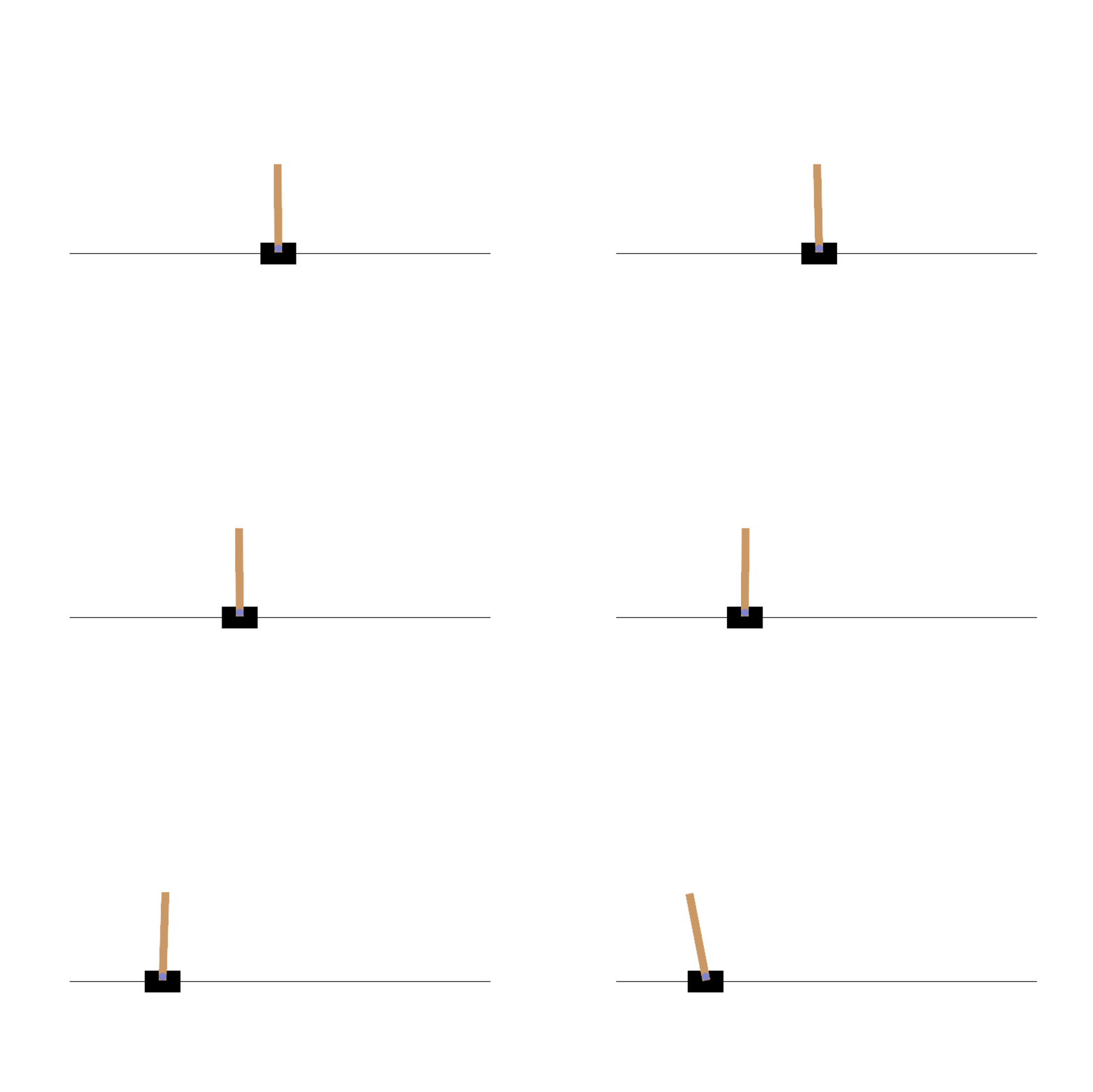
強化学習でCartPole問題やGrid World問題を解く際に学習の進捗を映像で知りたい。動画なら一目で進捗が解る。
matplotlib付属のanimationとpillow(python image library-ish)
import numpy as np
import matplotlib.pyplot as plt
import gymnasium as gym
from matplotlib import animation

def display_frames_as_gif(frames):
    """
    Displays a list of frames as a gif
    """
    plt.figure(
        figsize=(frames[0].shape[1] / 72.0, frames[0].shape[0] / 72.0),
        dpi=72
    )
    patch = plt.imshow(frames[0])
    plt.axis('off')

    def animate(i):
        patch.set_data(frames[i])
        return patch,

    anim = animation.FuncAnimation(plt.gcf(), animate, frames=len(frames),
        interval=50)

    anim.save("movie_cartpole.gif", writer="pillow")
    plt.close()

# CartPole をランダムに動かす
frames = []

env = gym.make("CartPole-v1", render_mode="rgb_array")
observation, info = env.reset()

for step in range(200):
    frame = env.render()
    frames.append(frame)

    action = np.random.choice(2)
    observation, reward, terminated, truncated, info = env.step(action)

    if terminated or truncated:
        break

env.close()

# 動画を保存
display_frames_as_gif(frames)
- framesには複数枚の画像に相当する数値データが格納されている
- plt.figureでgifファイルの縦横の大きさがセットされる
- plt.imshowで1枚の画像に相当するpatchが作成
- patch.set_dataでpatchの中身が入れ替わる
- animation.Funcanimationへanimate callback関数を登録すると連続画像のオブジェクトが生成
- anim.saveでgif動画が保存される
matplotlib付属のmatplotlib.pyplotとPIL(python image library)
import matplotlib.pyplot as plt
import io
from PIL import Image

x_list = range(100)
y_list = [x_val**2 for x_val in x_list]

fig = plt.figure()

img_list = []
for x_val, y_val in zip(x_list, y_list):
    plt.xlim(x_list[0], x_list[-1])
    plt.ylim(min(y_list), max(y_list))
    plt.scatter(x_val, y_val, c="tab:blue")
    img_bytes = io.BytesIO()
    plt.savefig(img_bytes, format="png")
    img = Image.open(img_bytes)
    img_list.append(img)

img_list[0].save("pillow_sample2.gif",
save_all=True, append_images=img_list[1:], optimize=True, duration=100, loop=0)
